
- Our task was to create a series of rooms or modules to create an enclosed environment to walk around in and add textures using Photoshop and Illustrator if necessary. This small project would help us become more comfortable with Photoshop and UE4.
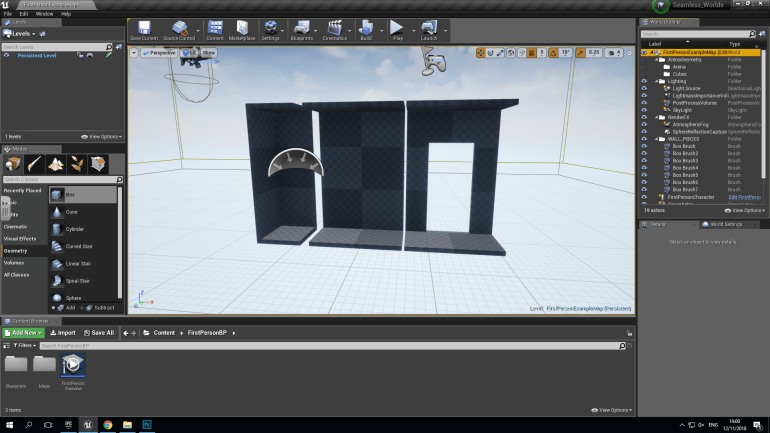
The first thing I did was open UE4 and begin creating the modules, I began by dragging a box in from the left hand side and set the dimensions so the player could move around with a comfortable amount of head space. I made a Corner, Wall section and Wall section with doorway.
The Corner was simple to do and I created another box and set it to Subtractive to remove the parts of the box it hovered over, doing this I was careful to ensure that each edge was equal, I did the same with the floor and ceiling to create an even corner that would be nice and easy to work with.
The Wall Section was equally simple to produce but instead of having two vertical faces the wasn’t any because the Subtractive box covered the two vertical edges which removed them, again I checked if the edges were equal and when they were I moved onto the next component.
The Wall section with the door was more challenging to create since I had to use two Subtractive boxes, one for the Wall itself and another for the doorway. Finally I checked the edges and they were even so I lined the whole thing up and moved to Photoshop.
These sections were useful to learn because they can be used in a variety of different ways, if your making a building or any other enclosed space, and I presume that I will use them in further projects to create aspects of my game.
During this project though, I decided to create a small part of a ‘Sewer System’ that might appear in my final project, I wanted to capture a slight sense of claustrophobia and fear in the gamer. I would achieve this by creating a small space with low hanging ceilings and doorways, the walls would have a grimy steel texture to decorate them, and to create a stronger sense of fear maybe add a couple of blood splatters to indicate that something terrible happened here but the player will never find out what.
In Photoshop, I began to make the textures for my first wall, I decided to go against the idea of steel and went with ‘Tiles and Concrete’ and I added text also so it gives the impression that the sewers are actually in use by the military.
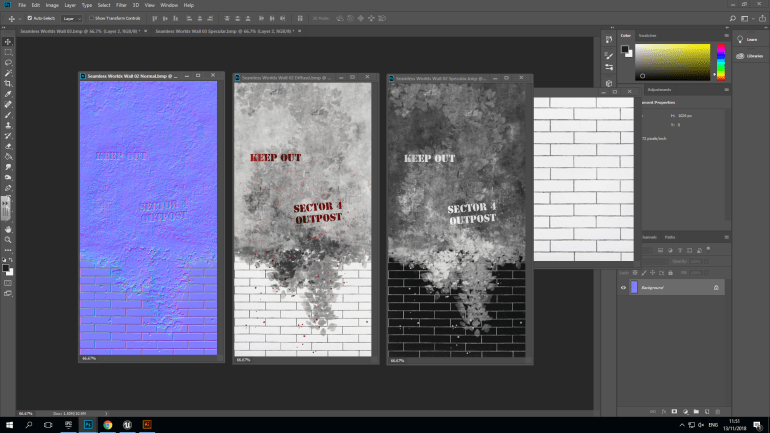
The ‘Diffuse Texture’ was the easiest since it’s just the one with color and nothing has been changed. In this example I’ve added Tiles and a Concrete texture and in addition I’ve added text, that signals to the player that the sewers are still in use by the military and I’ve tried to create a fear in the player by adding ‘Blood Splatters’ like somebody or something has either been killed or murdered down here.
The ‘Grey Scale Texture’ was simple to create but effective because it creates a reflection on certain parts of the texture in this case it gives the ‘Tiles’ a reflection because the concrete would be gritty and reflective.
The ‘Normal’ Texture was slightly harder to create because the’s a lot of variables that can be changed to create a realistic texture that’s believable and looks interesting. In the normal map I decided to indent the concrete which gives the impression that the wall has eroded away and some of the tiles have as well.
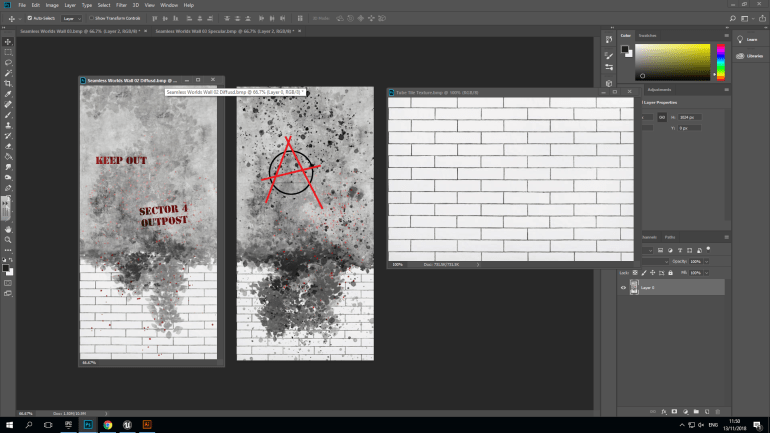
Once again the textures base is a white tile texture and concrete above but has the ‘Anarchy Logo’ above that suggests madness and an ‘Every Man for Himself’ situation.
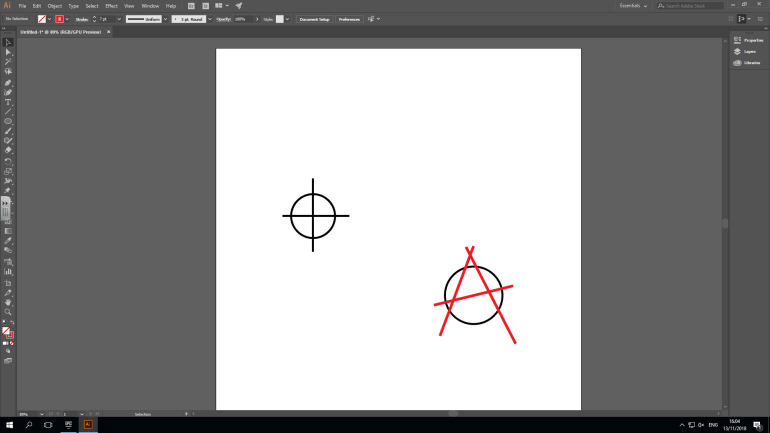
These decals that I designed in Adobe Illustrator can be placed on walls and buildings in my game.
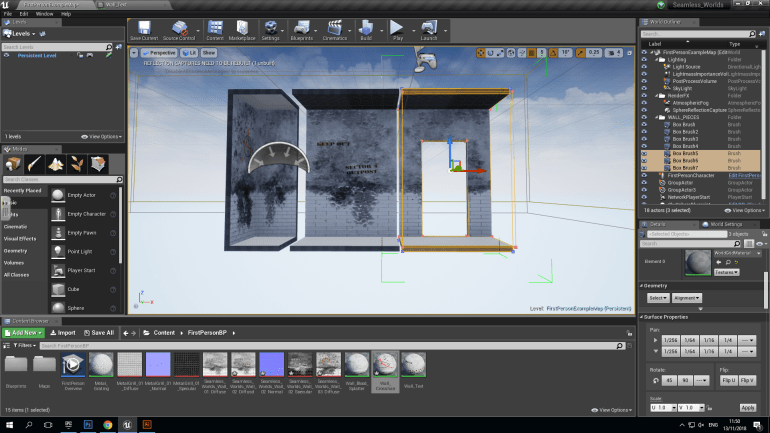
After adding the textures, I had to duplicate the wall sections before I turned them into static meshes just in case they faulted or something wrong happened. I did this by holding ‘ALT’ and dragging off an identical copy and saving my work. I then turned the originals into ‘Static Meshes’ the reason I did this was because Static Meshes aren’t very advanced and don’t take up much space so if your building a large structure from large amounts of walls if they’re Static Meshes they don’t reduce performance and let the game remain running smoothly. However they cannot be edit once they become a ‘Static Mesh’ so I made sure everything was good and saved before I did made the change.
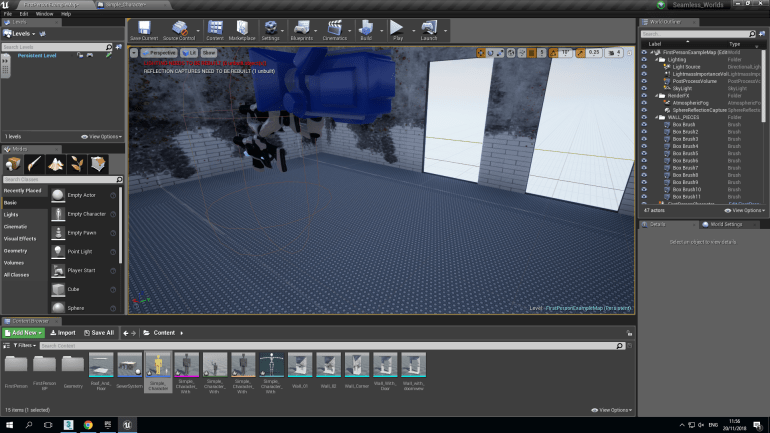
Once I turned them into Static Meshes, it was just a case of duplicating them as many times as necessary and lining everything up to create in this case a small section of a sewer system.
 Georges_Games