
We were tasked to create a HUD Health bar using UE4 and Photoshop for the textures, I started in Photoshop. I first tried a really complex idea of not just a health bar but also an oxygen meter that will work the same way but for a different reason after spending some time thinking about it though, I decided that it would be too ambitious and neither did I know how I would carry out the idea considering some of the shapes were difficult and hard to produce and the angles were wrong.
I settled for a much simpler design that still did the same job, but when I become more comfortable with this part of games design I will undertake more challenging tasks.
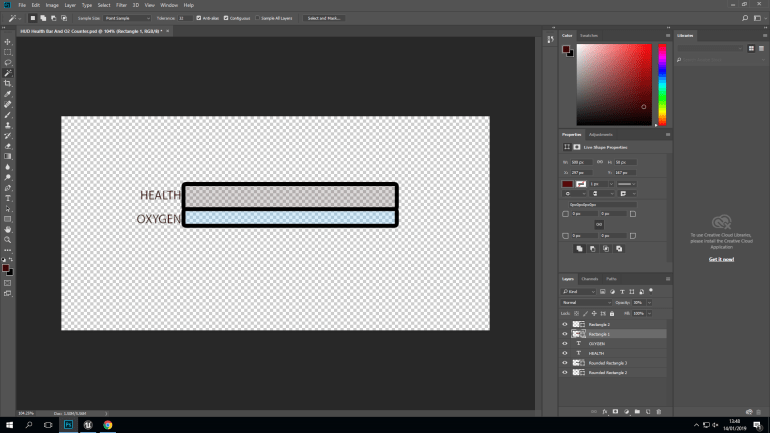
Heads-Up Displays or HUD are incredibly important in games, they convey vital information to the player about their character in game. The simple design was obviously easier to produce but wasn’t exactly what I was looking for, but since I was new to this type of project I settled on it, just because I was getting used to the software.
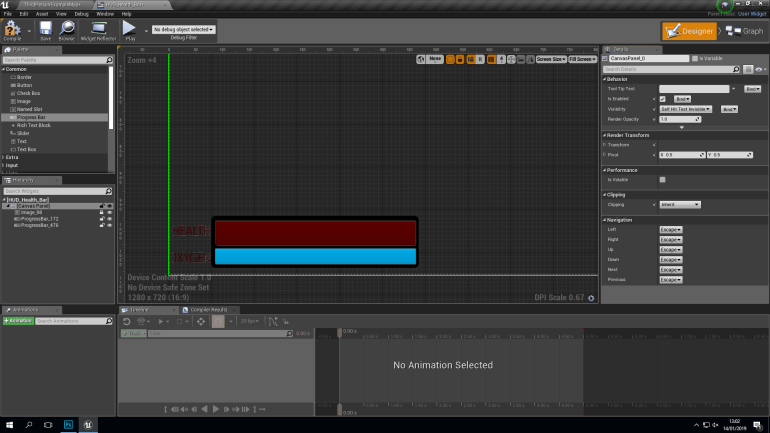
I imported the design into UE4, and placed inside a Widget Blueprint that would cause it to appear on screen, I placed it into the corner so it would be less intrusive in game but still visible and easy to understand for this it also had to be an appropriate size.
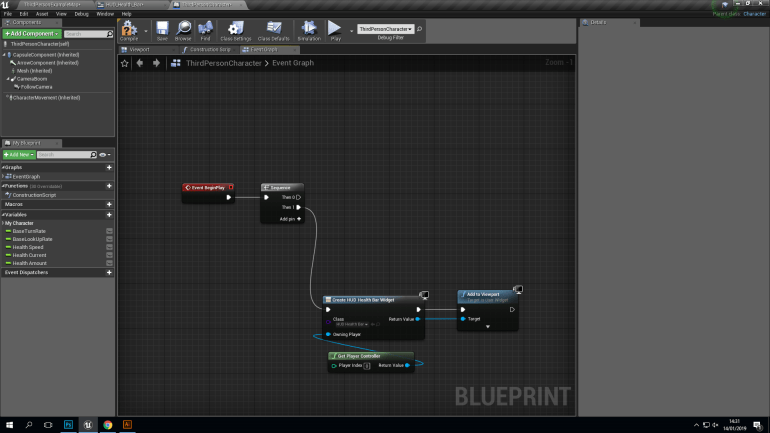
This Blueprint actually ensures that the HUD appears in game and so the player can see it, this technique could be used to create anything from a HUD to a map that appears in game and helps the player progress I am certain that I will use this technique in the future.
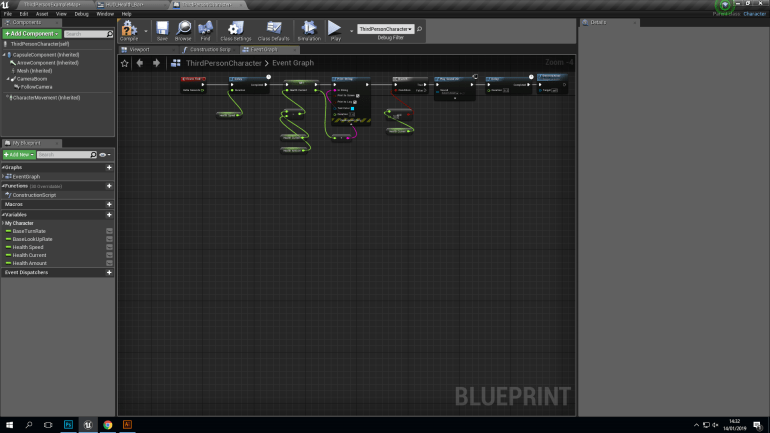
This Blueprint produces a constant loss of Health on the player of 5 points per second, in a games environment this could suggest to the player that their character could be poisoned or suffering from hypothermia, this is a good example of ‘Human Computer-Interaction or HC-I.
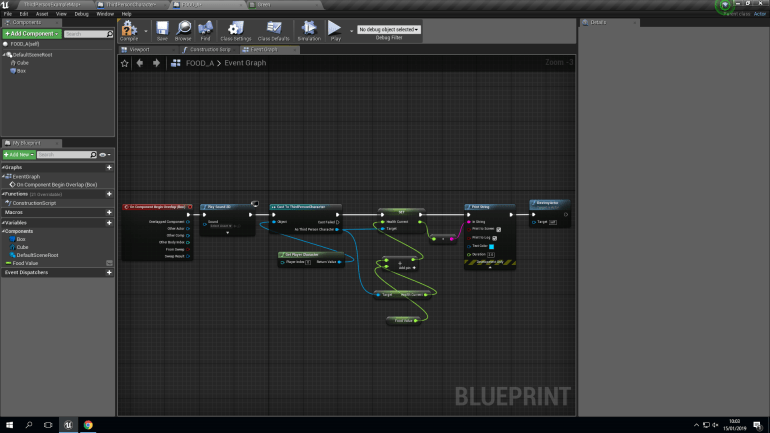
This Blueprint allows the player to pick up a cube in game and regain 5 points of Health, In future this blueprint could be used to implement a healing system into the game and this would add a much more advanced side to the game it also teaches the player that the ‘Green Cubes’ help you heal Health.
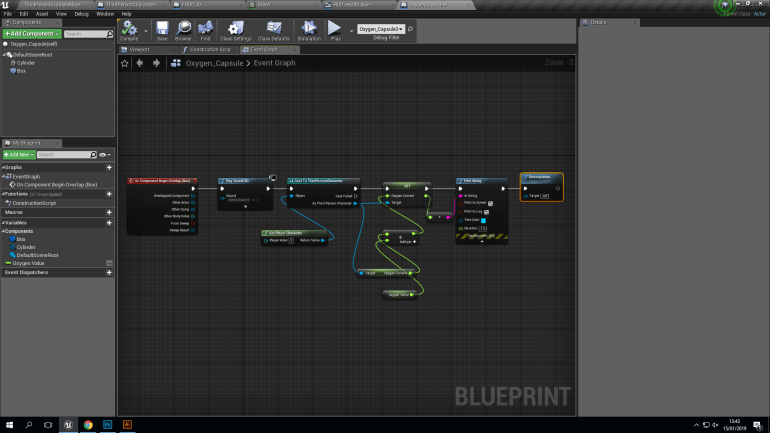
I decided to insert Oxygen Capsules into this project since they would appear in my final project, at the minute though they are just cylinders and have a simple placeholder texture. I used the same blueprint as the Food Cubes but instead of just healing a few points, the cylinders completely fill your oxygen level.
In my finished game, I would add a circular oxygen counter that has separate sections that fade away as you use your oxygen supply up and are refilled when you screw a new oxygen capsule into your gas mask, if you run out of oxygen a red light will start blinking on your HUD and your health will begin to deteriorate dramatically, since this mechanic will be a big part of my game, I would like to spend a large amount of time creating this system so that it functions perfectly.
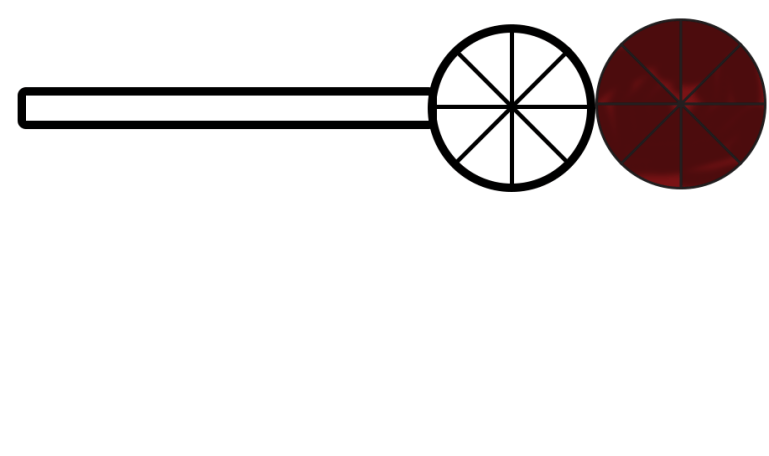
Each segment represents 12.5% of an Oxygen Capsule each segment will be separated by a thin line of black metal and indented slightly so I will have to create a Normal Map in Photoshop. I would also like them to glow red strongly but the first one will begin to fade as the first 12.5% of Oxygen of used until the is no color left and will move clockwise to each segment repeating this pattern.
However, I will find this difficult to replicate because I don’t understand how I would create a Progress Bar like this in UE4 and set up the Blueprint so it would be able to carry out the function that I would like to happen, I would also have to set it up so that if you run out of Oxygen your Health Bar starts to degrade fast.
 Georges_Games