
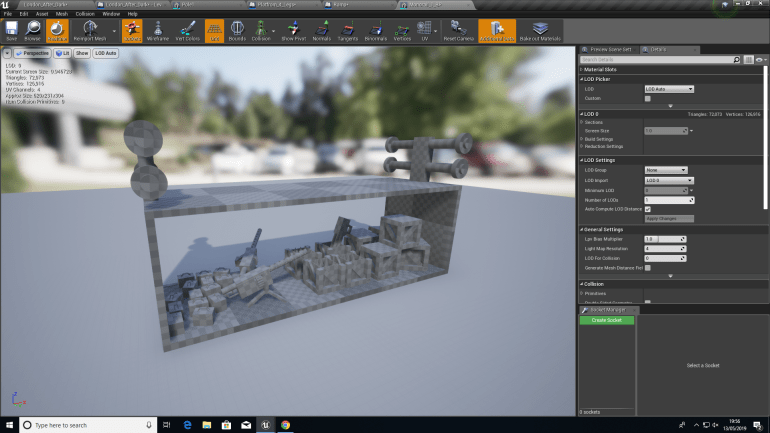
Since my game is set in the near future and Tower Bridge is owned by a mercenary group they would’ve modified it to fit their own needs so I added a Monorail System and Cars that move Munitions about and that the player can stand inside and be moved from one end of the bridge to another.
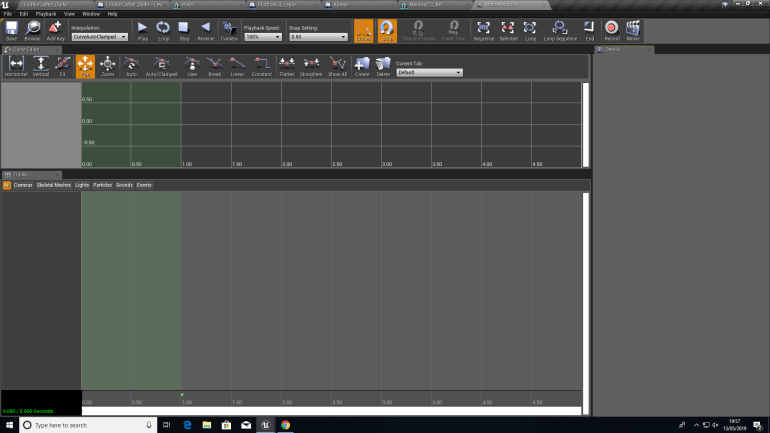
The way I’ve been able to do this without using 3DS MAX is using a Matinee Actor inside of UE4. Opening this Actor gives a view of a graph and has a 5 second interval with a start and end point that can be adjusted to create a longer or shorter animation, I made mine 12 seconds. I created a new group firstly and inside of that group, a movement graph allowing me to move something inside the Persistent Level. I selected the Monorail and then the start point of the Matinee and ‘Added A Key’ this caused the animation start to begin where the Monorail was, I then dragged the Monorail down it’s tracks to the end point and then ‘Added A Key’ at the end of the 12 second window. After saving this I hit ‘Play’ and the animated Monorail moved down it’s tracks to the end in the 12 seconds I’d selected.
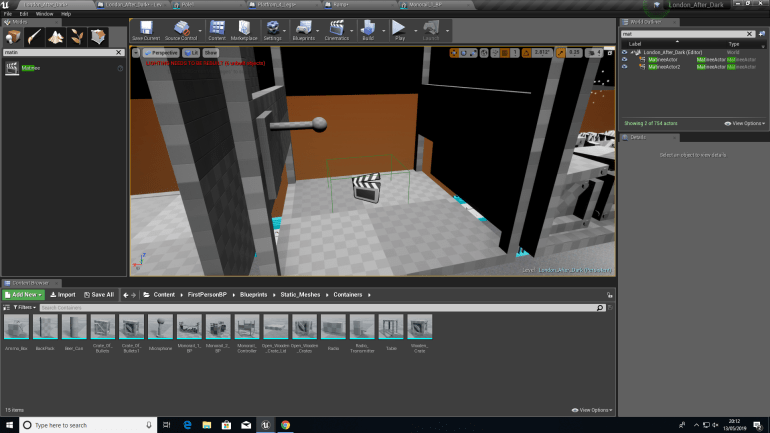
To allow the player to trigger the animation to play I added a ‘Trigger Box’ that would be activated by the ‘E Key’ on a keyboard.
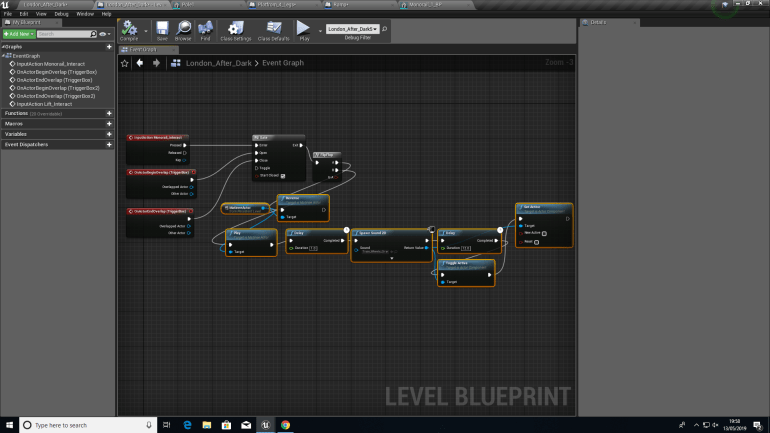
To finalise this, I had to create a simple Blueprint.
Firstly, the player has to be stood inside of the ‘Trigger Box and then press E’ this causes the ‘Gate’ allowing the Blueprint to play to open. This then is sent to the Matinee Actor and plays the Animation, the reverse allows the animation to play backwards allowing the player to go back on the Monorail.
A delay counts 1 second and then ‘Plays a 2D Sound’ which in this case is a rattling train noise, it plays for 11 seconds and then stops which is when the Monorail reaches the end.
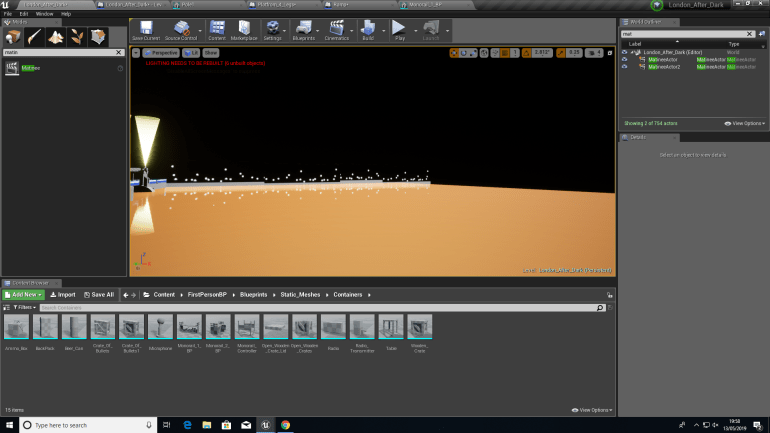
Creating the River was a simple and quick process but made a game feel much more real and busy. I opened an Actor Blueprint and dragged a plane into the view port I then had to create a Texture. I created a brown one that had a Clear Coat property allowing it to reflect lights giving the impression that it’s water.
The Skyline was slightly more complicated, I Photoshop I coated the background Black and used the paintbrush tool to create lights and then Exported the texture to UE4. I then created another plane and placed the Texture on top and placed a few on the other side of the river creating the impression of vague buildings and scenery.
 Georges_Games